Dramory Office
Your HWP documents, exactly as they are.
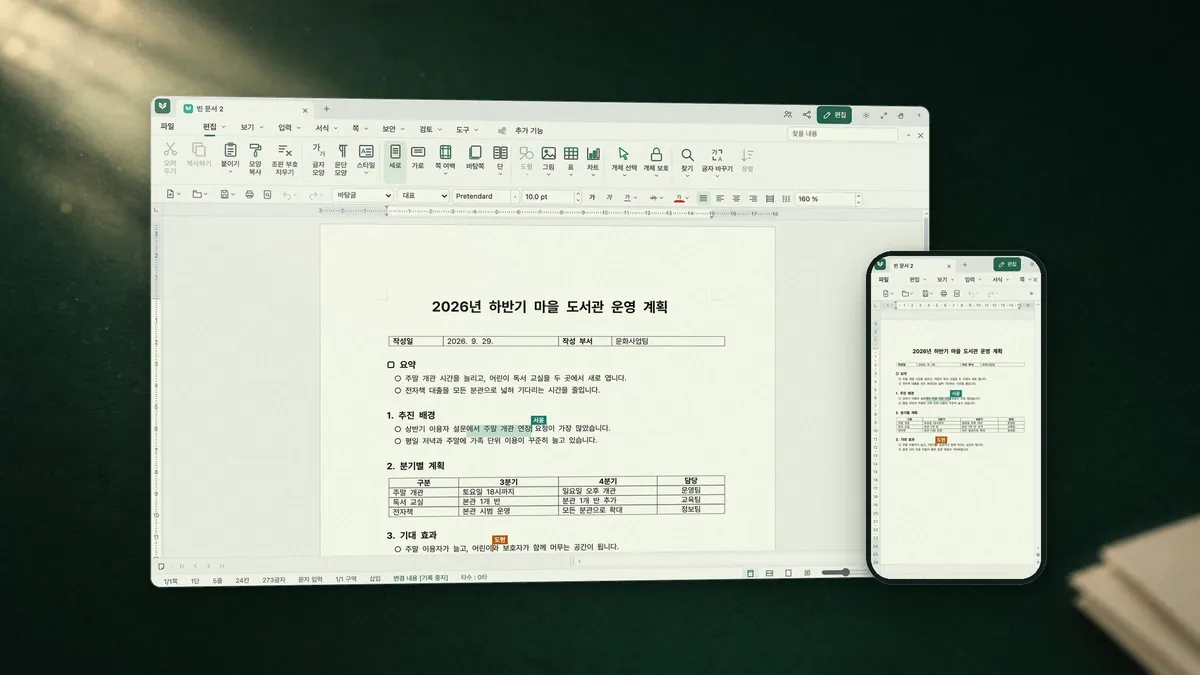
Dramory Office is a document editor that opens, edits and saves HWP and HWPX — the document formats used across Korea. Mac, Windows, the web, iOS and Android share one layout engine, so pages and lines come out the same on every device.
Nothing to install. Your document opens on your own device.
- HWPOpen · edit · save
- HWPXOpen · edit · save
- HWP 97Open
- HWPMLOpen
- PDF · PDF/AExport
Features
A document that holds its shape, start to finish.
From opening to editing, writing together and saving again — built to keep every document looking the way its author made it.
01 · Layout
The same pages and lines on every device
Page breaks, line breaks and the places of tables and pictures stay as the author set them. Every platform runs the same Rust layout core, so no device lays a page out differently.
- Open HWP and HWPX, edit, and save back to the same format
- Older HWP 97 and HWPML files open too
- Export to PDF, including PDF/A
02 · Together
One link, one document, together
Share one link and edit the same document together in real time. See each other's cursors, and chat or leave notes beside the page.
- Real-time co-editing with live cursors
- Chat and notes beside the page
- Open and save documents in Google Drive directly
03 · Fonts
A missing font never moves a line
When a document uses a font your device lacks, a compatible font with the same character widths is downloaded on demand — so a missing font never reflows a line or pushes a page.
-
Ask Dramory
An AI document assistant inside the editor that reads, summarises and helps you polish your writing.
-
Templates
Official letter, report, minutes, résumé, letter, weekly planner, notice — start a new document from templates made by Dramory Office.
-
Same commands everywhere
macOS, Windows, the browser, iPhone and iPad, and Android — with the same commands, shortcuts and results on each.
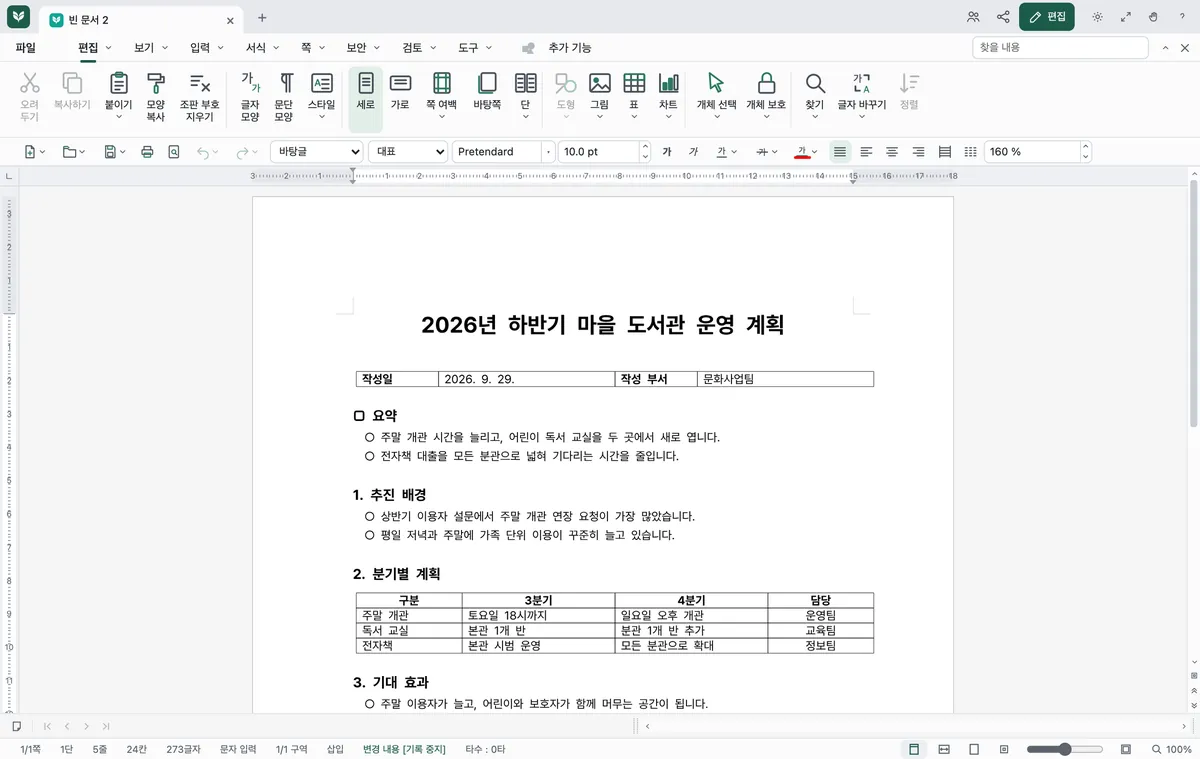
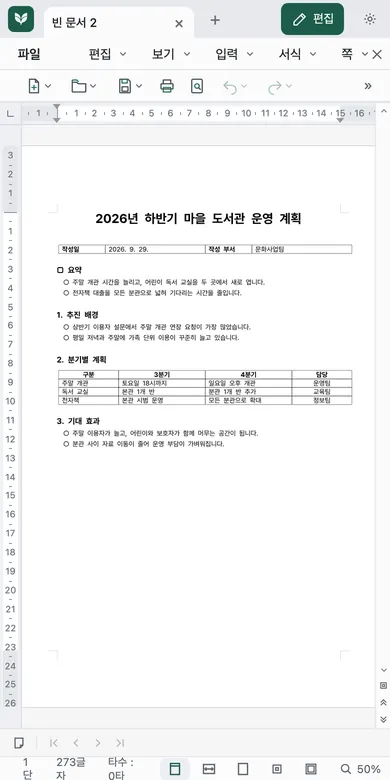
Real screens
As it is, unretouched.
The web app as it is deployed today, photographed as is. A public sample document is open; light and dark follow this page's setting.
Download
Wherever you write.
Use it on the web today. The Mac, Windows and mobile apps are coming soon.
- WebAny current browser, nothing to installOpen now
- macOSMac appComing soon
- WindowsWindows appComing soon
- iPhone · iPadiOS and iPadOS appComing soon
- AndroidAndroid appComing soon
Next
Documents, sheets and slides in one office.
Word (.docx), Excel (.xlsx) and PowerPoint (.pptx) formats come next, for documents, sheets and slides in one office — all growing from the same layout core.
Open one in your browser, now.
No install, no sign-up — open the HWP document you already have.